

How to Request for Books in "PROCESS"
Library users who are eligible to apply for "Library Online Request Form" are Waseda University Student, Full-time Faculty and Staff, Part-time Lecturer and those who can access to the Form in the following way. For those who can not access to the Form, please visit the reference desk.
1. Please log in to MyWaseda.

(MyWaseda will open in a new window.)
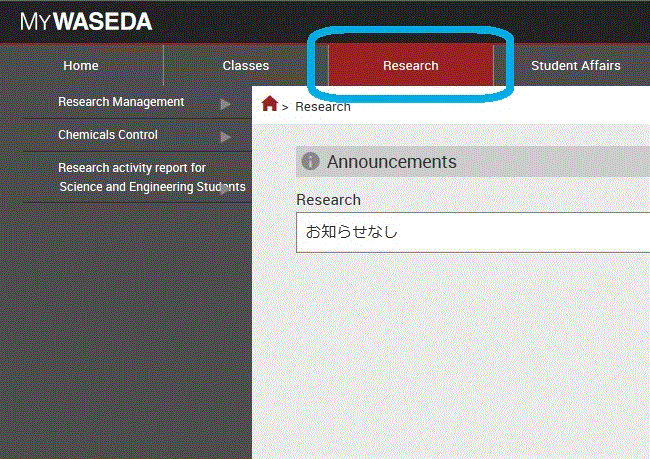
2. Please click "Research*" on the top of the screen. *Staff: "Tasks".
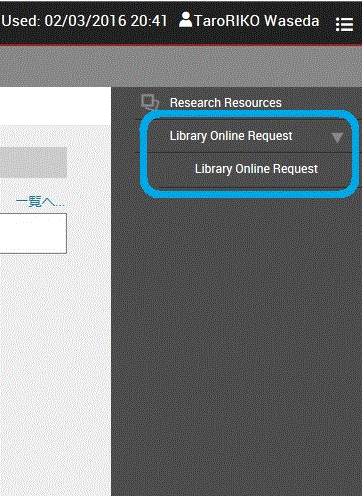
3. Please click "Library online request" on the right side.
4. After clicking "Library online request", application form is shown. Please select your status at Waseda University from pull-down menu. For students, your grade is required. Please select "Request for Books in ‘PROCESS’" in the pull-down menu of "Select your inquiry", and go "Next".

5. After reading a notice for filling out the form, please follow instructions and select menus.